Mikrotik 1st Workshop '17
Why Best Professional Of Mikrotik 2017 ?
Shakeel Khan, Pakistan's First Mikrotik Certified Trainer and the pioneer in Mikrotik training sessions. We started in 2017 all over Pakistan with 7 mega Mikrotik training session in different metropolitan cities, Now we are extending our horizons with more training and more success stories in different cities; Karachi, Lahore, Islamabad, Rawalpindi, Peshawar. Our next missing is to create a massive storm of Mikrotik training all over in Pakistan to make a friendly eco system and educate people who promote Pakistan's I.T industry. In different product line like, Mikrotik, UBNT, CAMBIUM MOTOROLA.
29
First Training Session Of Mikrotik Conducted in 2017Karachi, Pakistan
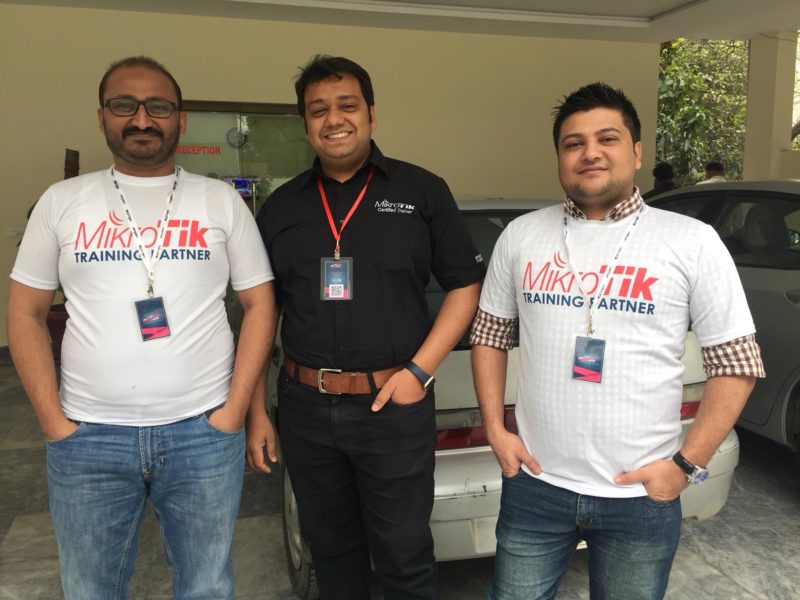
Who’s Speaking
MIKROTIK , UBNT , CAMBIUM MOTOROLA , SAS RADIUS SPEAKERS
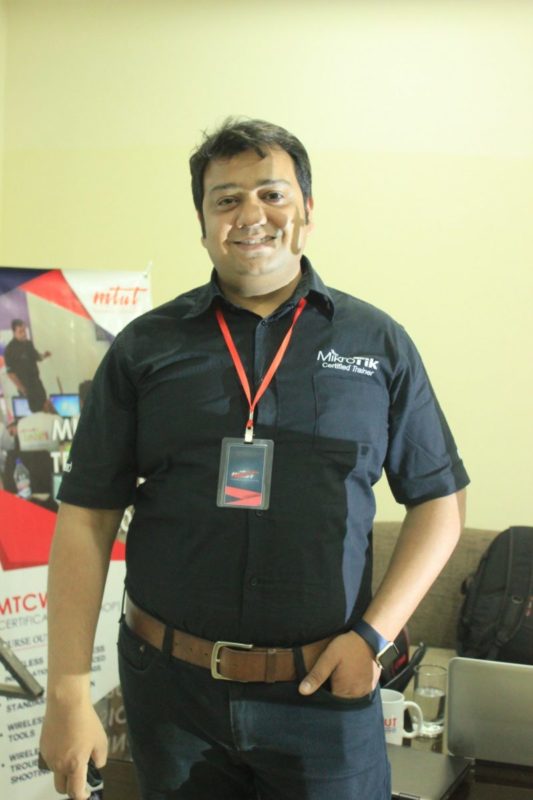
Shakeel Khan
Certified Trainer In Mikrotik, Ubiquiti, Cambium Motorola.
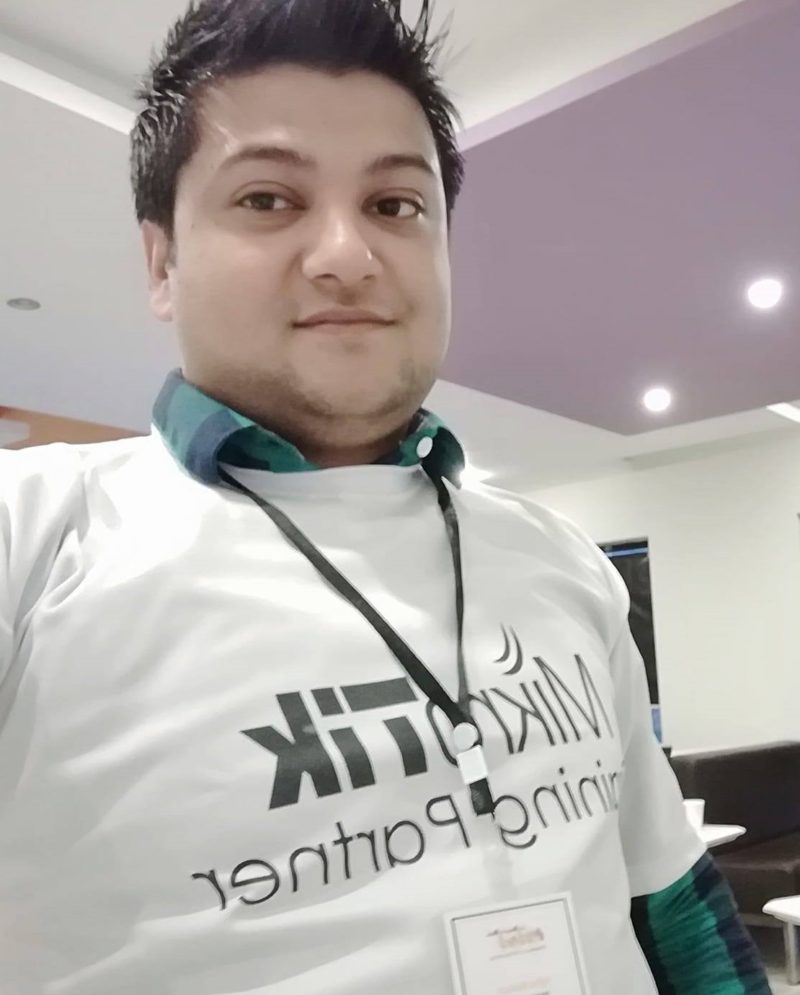
Agha Mohsin
Ceo of SkyNet Multi Services (Pvt) Ltd.
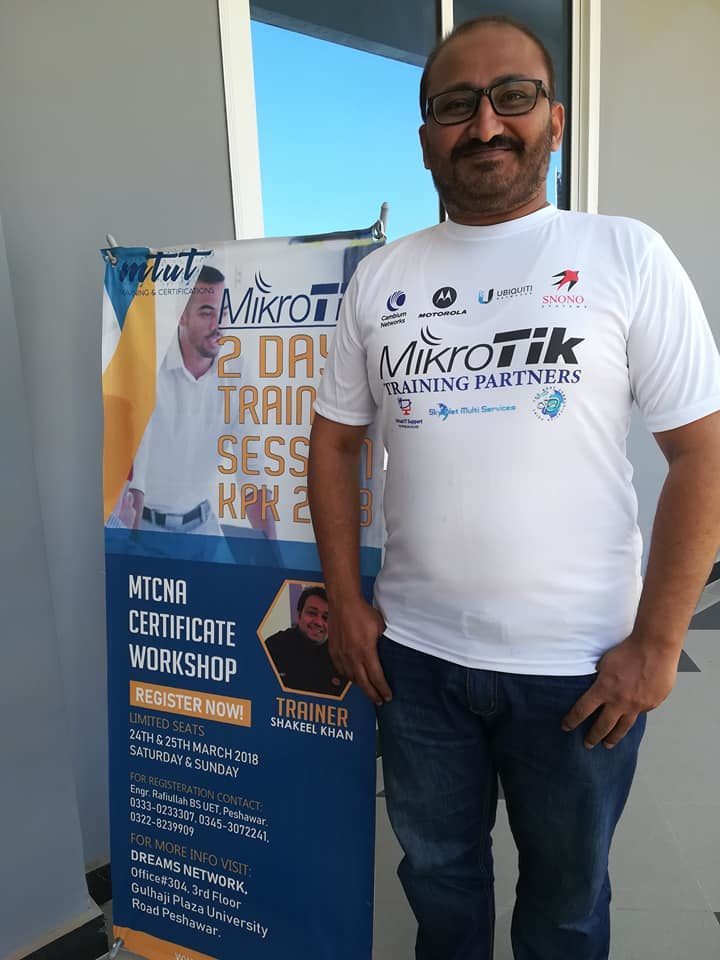
Abubaker Siddiq Lasania
Ceo of Virtual IT Support Pakistan
Schedule Plan
Schedule details
Certified Network Associate (MTCNA) Training outline Duration: 3 days Outcomes: By the end of this training session, the student will be familiar with RouterOS software and RouterBOARD products and be able to connect the client to the Internet. He will also be able to configure, manage, do basic troubleshooting of a MikroTik router and provide basic services to clients. Target audience: Network engineers and technicians wanting to deploy and support: Corporate networks Client CPEs (WISPs and ISPs) Course prerequisites: The student must have a good understanding of TCP/IP and subnetting. Suggested reading: Search for “ipv4 tutorial” Test yourself with the 'example test' on https://www.mikrotik.com/client/trainingSessions View Details
Location: Lahore
Module 1
Introduction
• About MikroTik
• What is RouterOS
• What is RouterBOARD
• First time accessing the router
• WinBox and MAC-WinBox
• WebFig and Quick Set
• Default configuration
• RouterOS command line interface (CLI)
• Null Modem cable
• SSH and Telnet
• New terminal in WinBox/WebFig
• RouterOS CLI principles
•
Location: Lahore

Module 2 DHCP • DHCP server and client • DHCP client • DHCP server setup • Leases management • DHCP server network configuration • Address Resolution Protocol (ARP) • ARP modes • RouterOS ARP table • Module 2 laboratory Module 3 Bridging • Bridging overview • Bridge concepts and settings • Creating bridges • Adding ports to bridges • Bridge wireless networks • Station bridge • Module 3 laboratory Module 4 Routing • Routing overview • Routing concepts • Route flags • Static routing • Creating routes • Setting default route • Managing dynamic routes • Implementing static routing in a simple network • Module 4 laboratory Module 5 Wireless • 802.11a/b/g/n/ac Concepts • Frequencies (bands, channels) data-rates / chains (tx power, rx sensitivity, country regulations) • Setup a simple wireless link • Access Point configuration • Station configuration • Wireless Security and Encryption • Access List • Connect List • Default Authenticate • Default Forward • WPA-PSK, WPA2-PSK • WPS accept, WPS client • Monitoring Tools • Snooper • Registration table • Module 5 laboratory View Details
Location: Lahore
Module 4 OSPF • What is OSPF? • How OSPF protocol works • Hello protocol • Database distribution and LSA types explained • OSPF network structure • Areas • Router types • OSPF neighbors and neighbor states (DR and BDR election) • External Route Distribution methods (type1, type2) • Interface cost and interface types (broadcast, NBMA, etc.) • SPT calculation algorithm • OSPF and multicast (problems with NBMA) • Stub, NSSA and area ranges (route aggregation) • Virtual links, usage and limitations • OSPF routing filters and limitations • Module 4 laboratory View Details
Location: Lahore
Module 1 Static Routing • More specific routes • ECMP • How to force gateway over specific interface • Gateway reachability check and route distance • Routing mark and route policy • Recursive next-hop and scope/target-scope usage • Module 1 laboratory Module 2 Point to Point Addressing • Point to Point address configuration • Module 2 laboratory Module 3 VPN • What is VPN? • Different types of VPN • Site to site connectivity with tunnels • IPIP, EoIP, PPTP, SSTP, L2TP, PPPoE • VLAN and it's usage • QinQ implementation • VLAN and managed switch • VLAN and switch chip configuration on RouterBOARDs • Module 3 laboratory View Details
Location: Lahore
Location: Lahore
Training Tickets
Buy tickets online



Offcial Sponsonr
Our Workshop Sponsors
Platform Sponsor




Venue / Management Sponsor

Attandee Feedback
See attandee's remarkes about our training sessions
Great Team Great coresponding
Had a great experience with the MTUT team. Would love to get enrolled again for other courses as well. Thanks
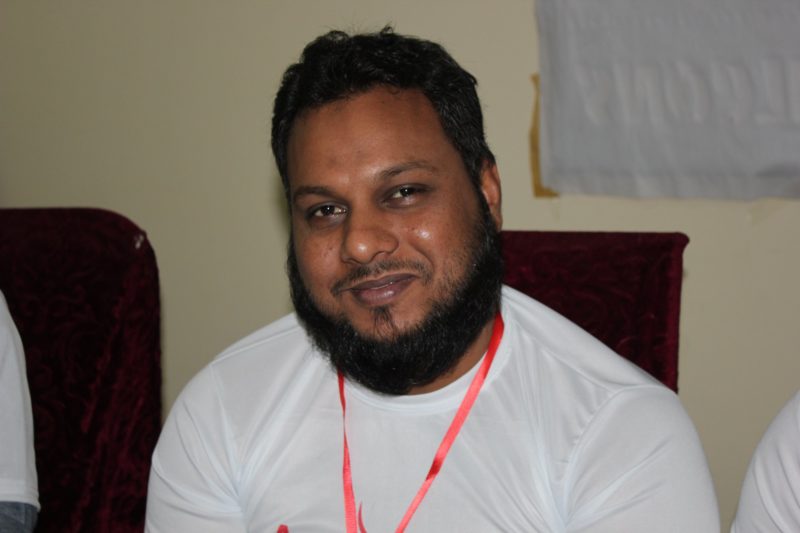
Kashif
Working as an Networking Engineer
Great experience such a nice team
Great Event organized by professional's around Pakistan. Guys learned a lot of new things which they don't know before. It is Great initiative and should be held time to time. Thank You whole Team MTUT.
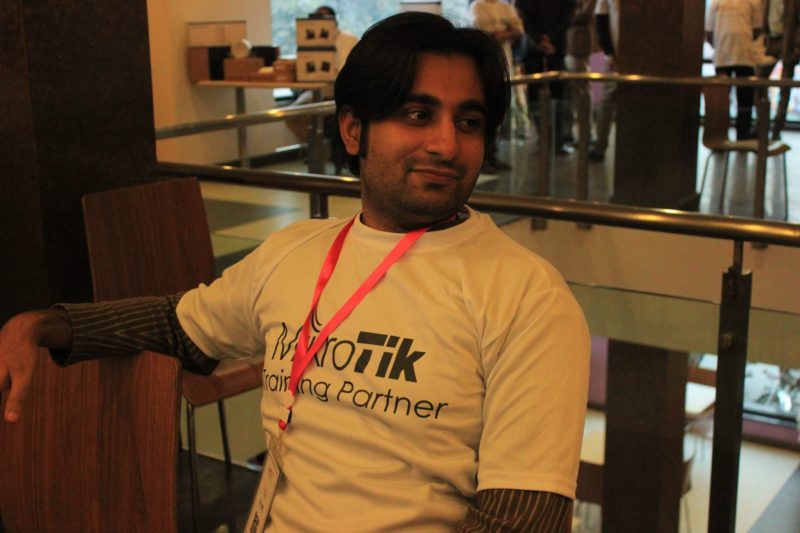
Salman Shabbir
Ceo ISP
This is the best Mikrotik Organization in Pakistan
I specialy came to Pakistan to get the training sessions from official partners of Mikrotik they are very cooperative , excellent delivery of knowledge , Thank You , MTUT for such a great session.
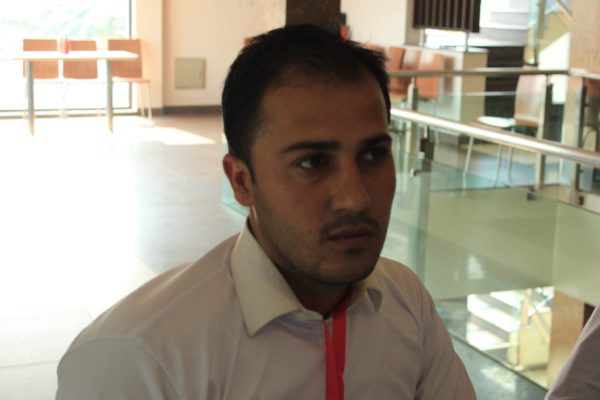
Atiqullah Ahmadzai
ISP Manager in Afghanistan
Pakistan no1 training session of Mikrotik
enjoyed the course, a lot of material to absorb in two days.realy appreciate
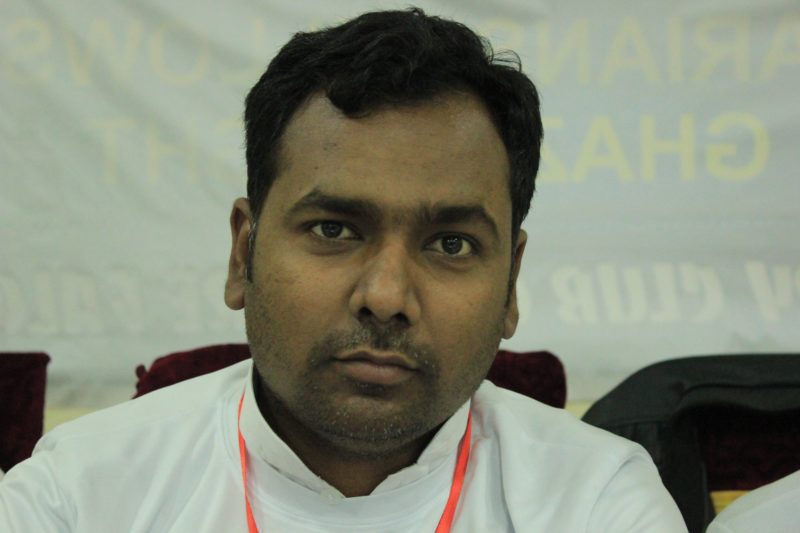
Shoaib Ahmed
Ceo NetBiz Broadband Pvt. Ltd
Great teachers,excellent workshop to much for learn
Great respected teachers and good Platform for Internet Services Providers Companies.
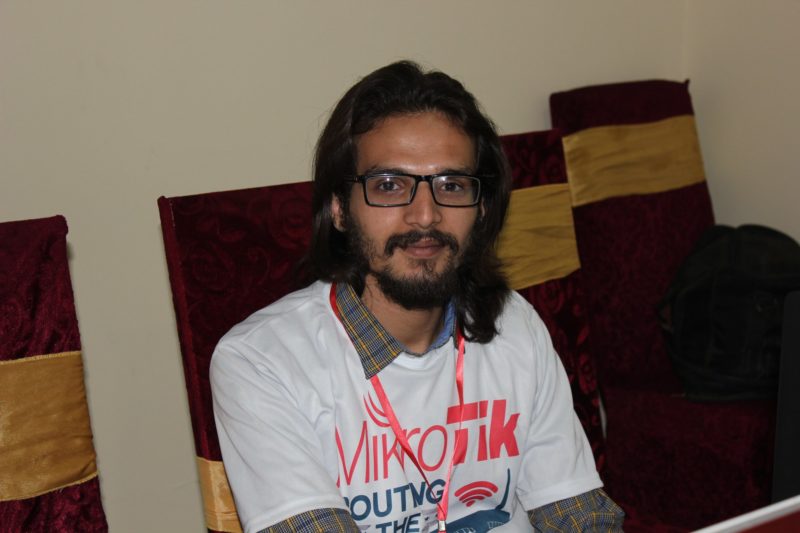
Arsalan Khan
Ceo Netbiz (Pvt) Ltd. Lahore
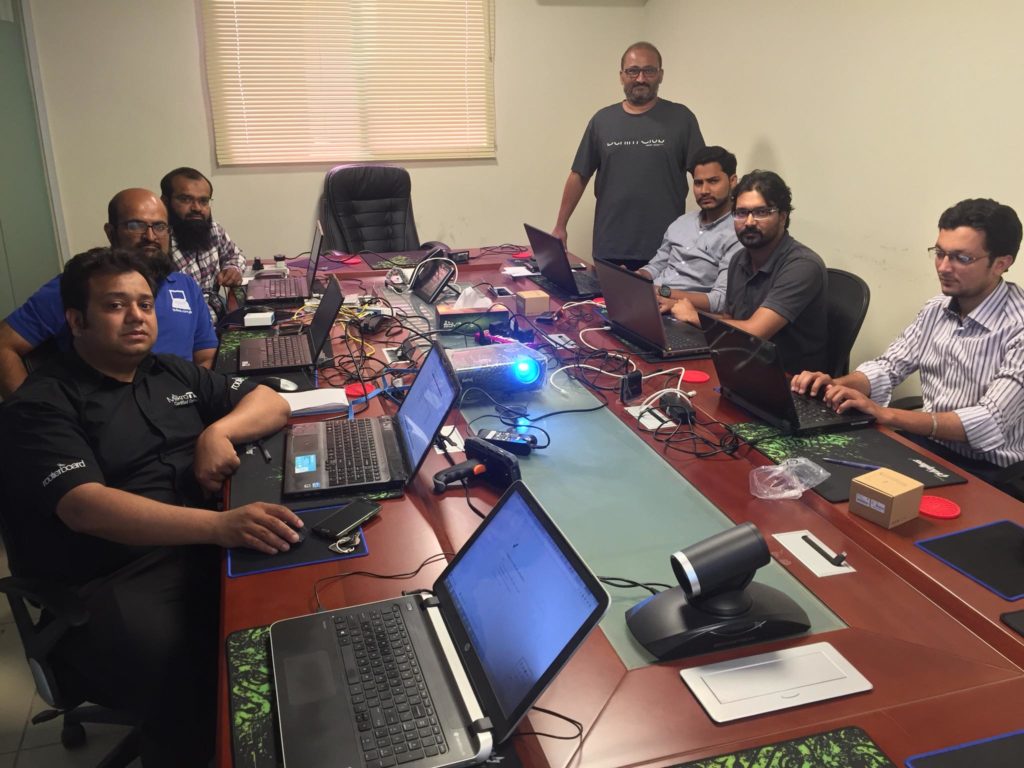
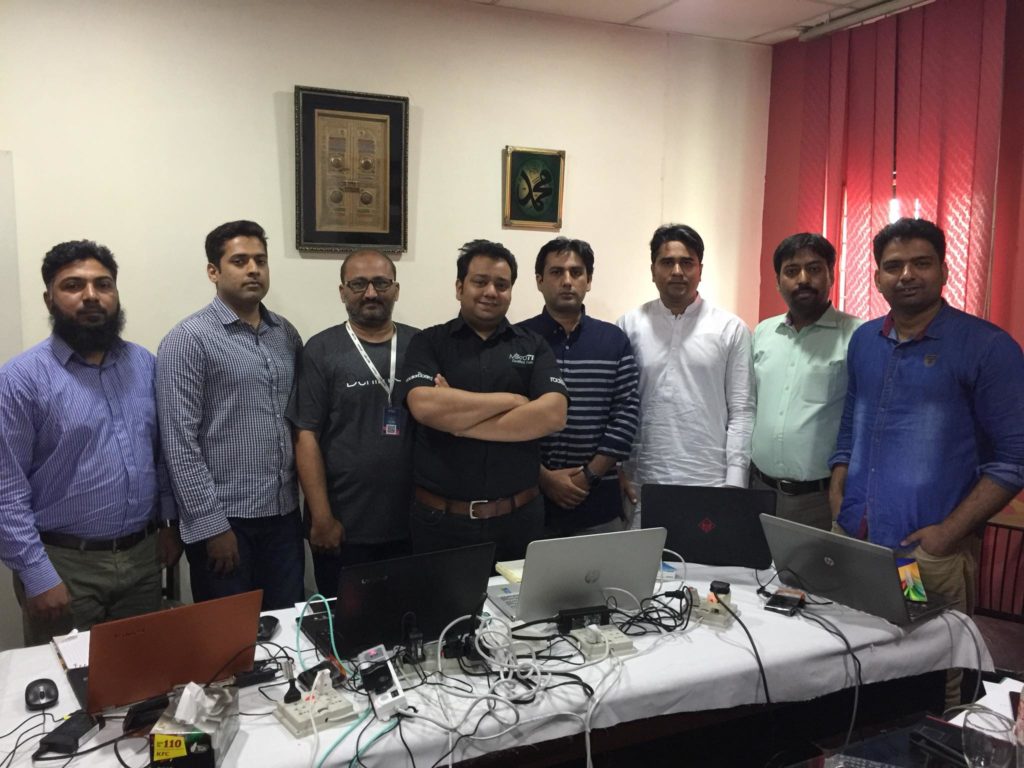
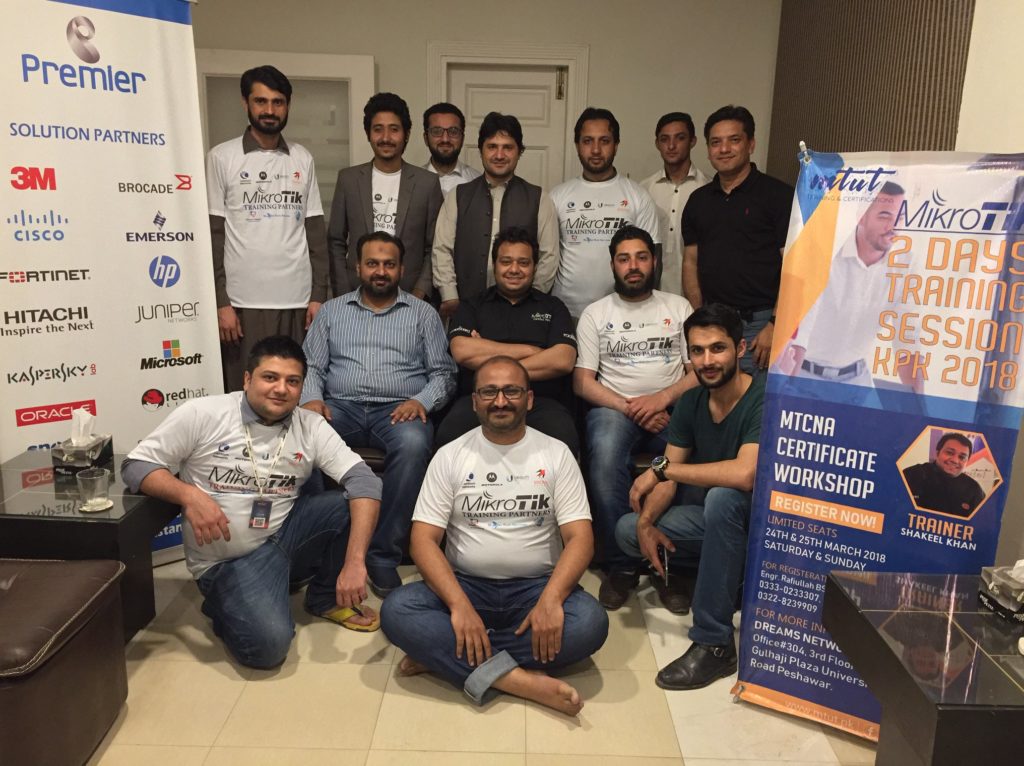
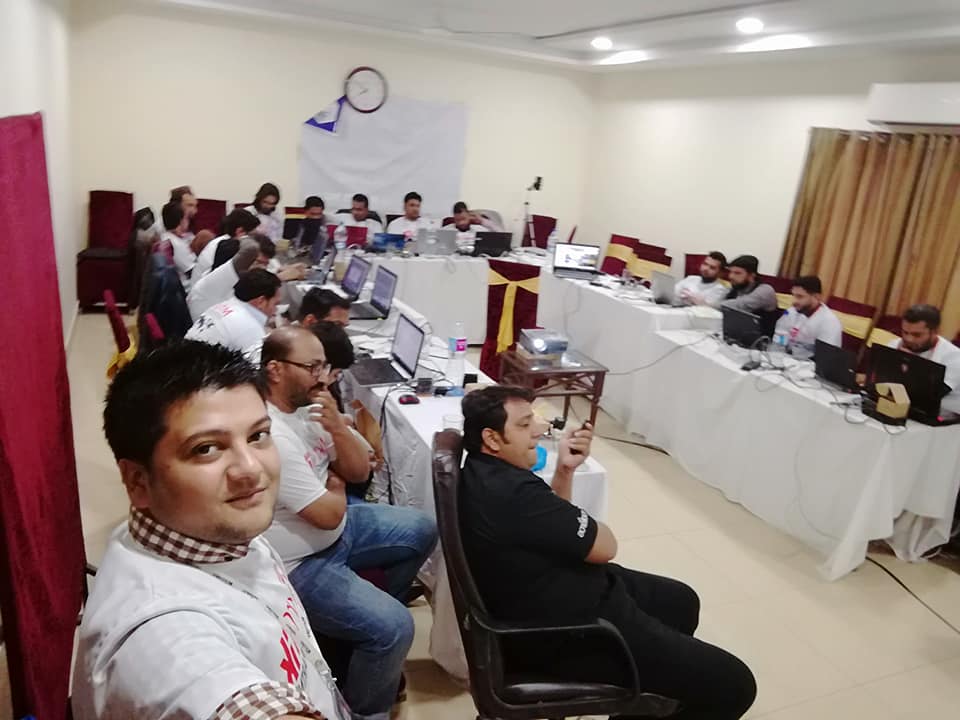
Previous Training Sessions
Our Training Sessions Gallery
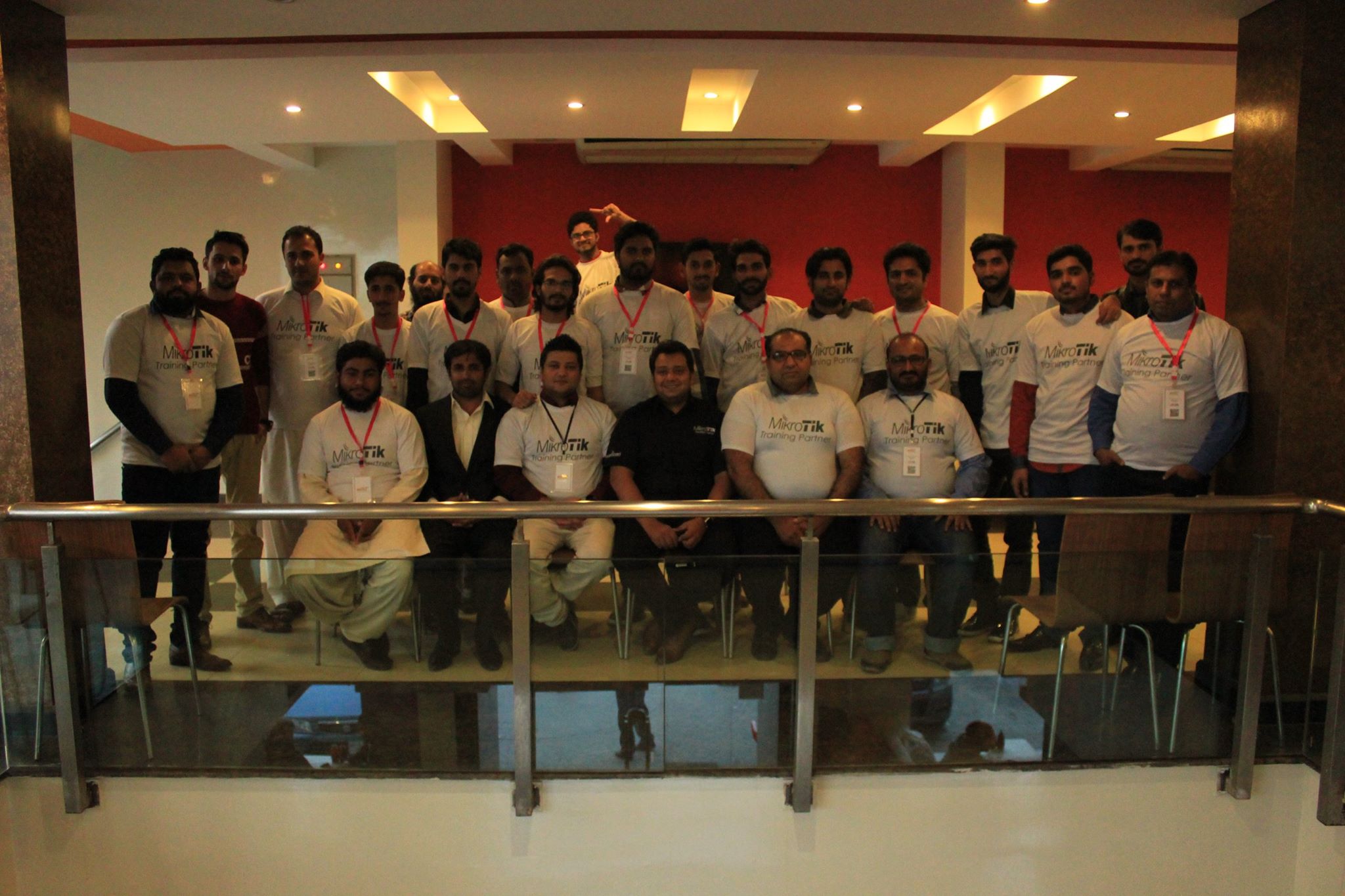
Event Info Zone
Geo Location / Venue / Hotel

Karachi
Dreams Network & Technology (Pvt) Ltd.
Pirani Trade Center, North Western Industrial Zone Port Qasim Bin Qasim Town.
Lahore
Royalton Inn Hotel
11- F، Bajwa St, Block H Gulberg III, Lahore, Punjab 54660, Pakistan
Peshawar
Dreams Network & Technology (Pvt) Ltd.